
Teachers and Boosters: End the Year on a High Note!
How you finish the year helps shape the memories students carry with them—and...

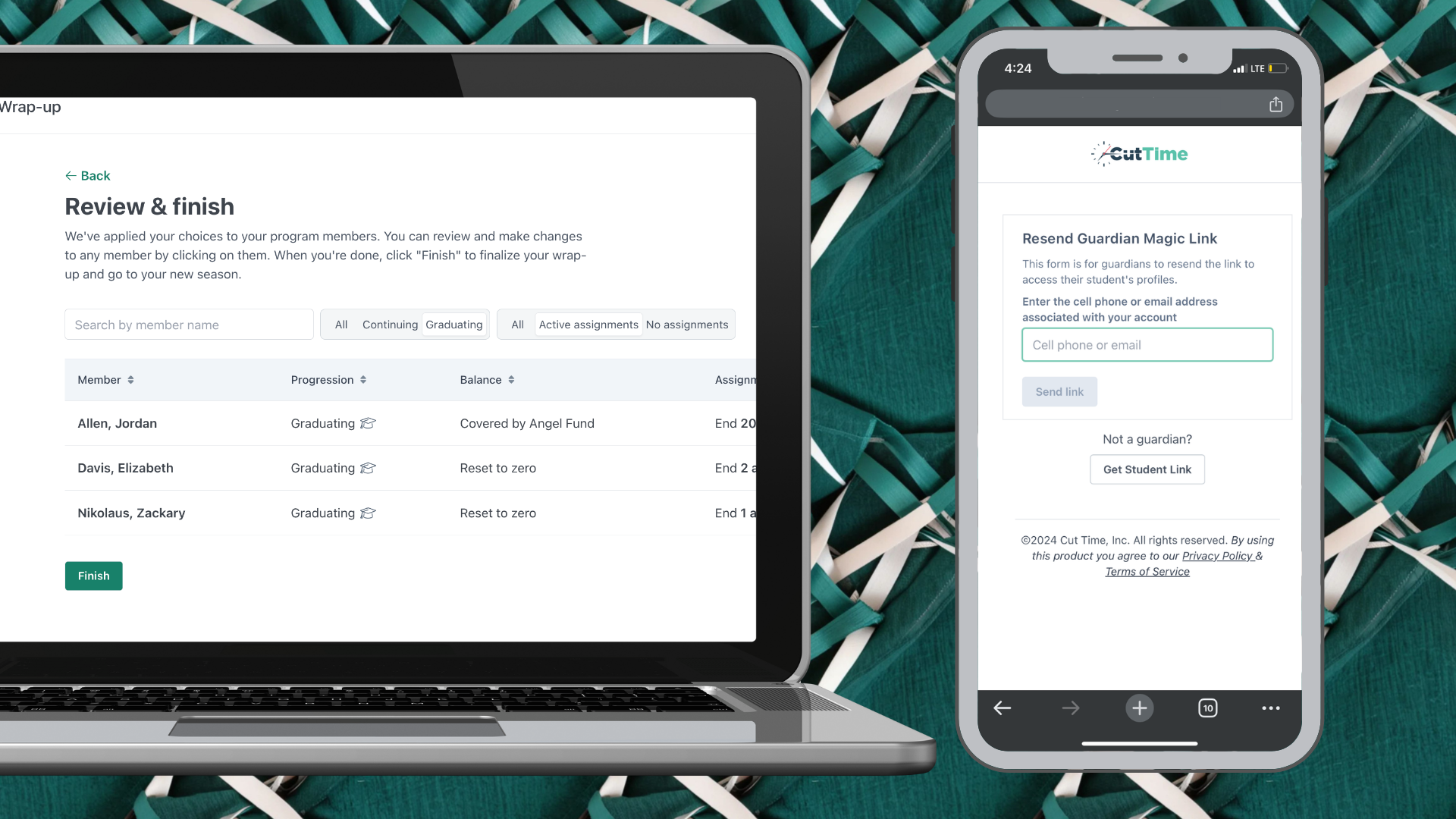
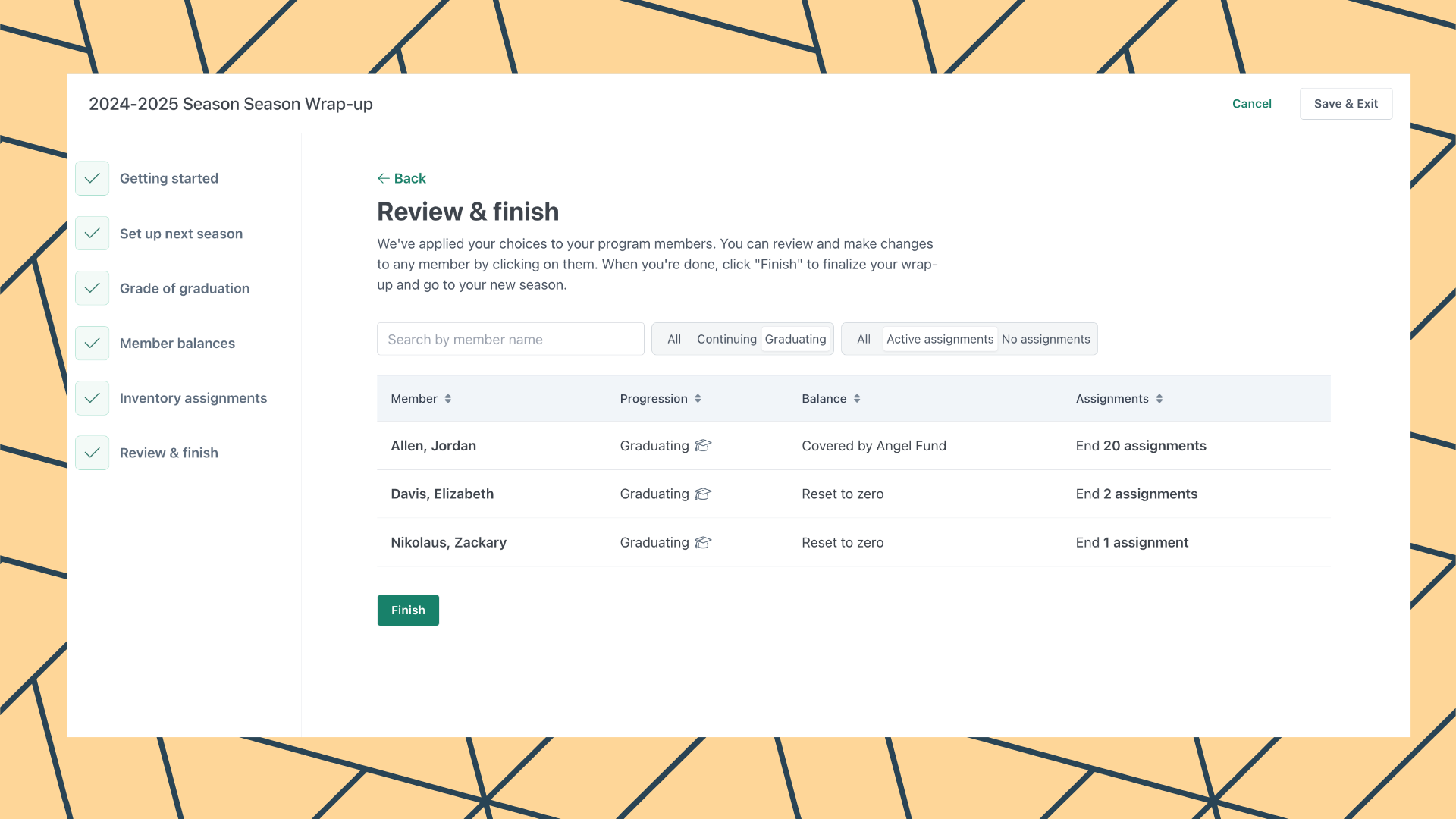
Promote members, manage assignments and balances for continuing, inactive, and graduating members.
See a DemoManage roles and permissions for staff and helpers, see their last sign in to CutTime, and edit contact information as needed.
See a DemoUpload documents and send requests for signature. Create and send custom fillable forms to collect other important details.
See a DemoStruggling with your day to day fine arts program operations? Hear how the Sinfonia Gulf Coast Youth Orchestra, under the direction of Margaret Gordon, faced huge challenges in parent communication and program administration while growing from seventeen to two hundred students in less than two years. Margaret describes how eSignatures revolutionized her onboarding and highlights CutTime's incredible responsiveness to her needs, ultimately helping her to generate more impact for educators, students, and the community in the fine arts.

CutTime allows me to spend less time writing receipts, creating rosters, printing instrument contracts, and other admin tasks. This in turn frees up more time for me to plan for and teach classes and rehearsals.
Music Educator in Arkansas, USATake a look under the hood to see how we help solve your program’s biggest administrative headaches. Stress less with your end of year wrap up!
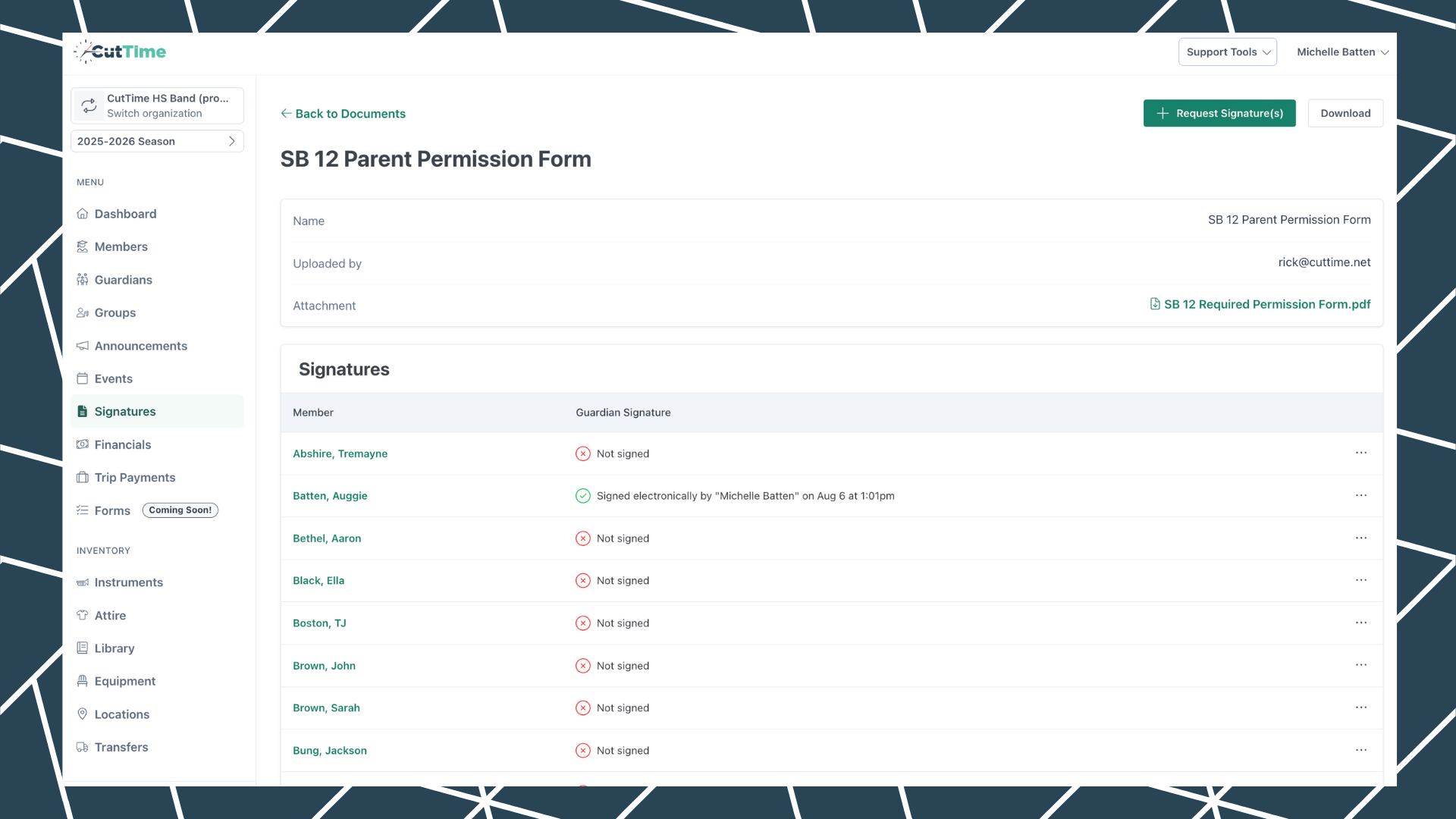
Maintain a log of digital and physical acceptances for usage agreements, handbooks, permission slips, and other key documents for your program.
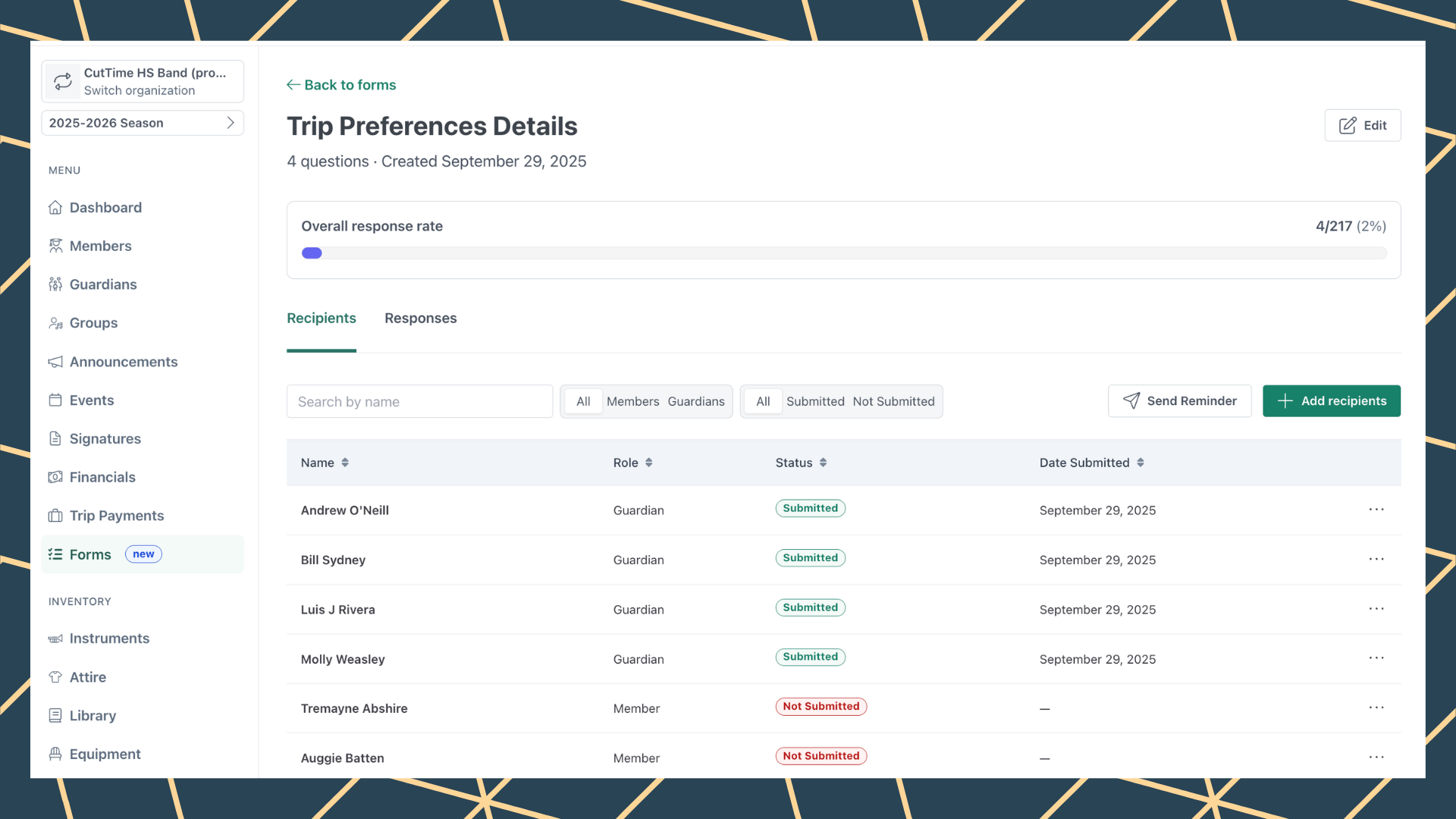
Create and send questionnaires for a wide variety of uses. Track completions, send reminders, and export responses as needed.
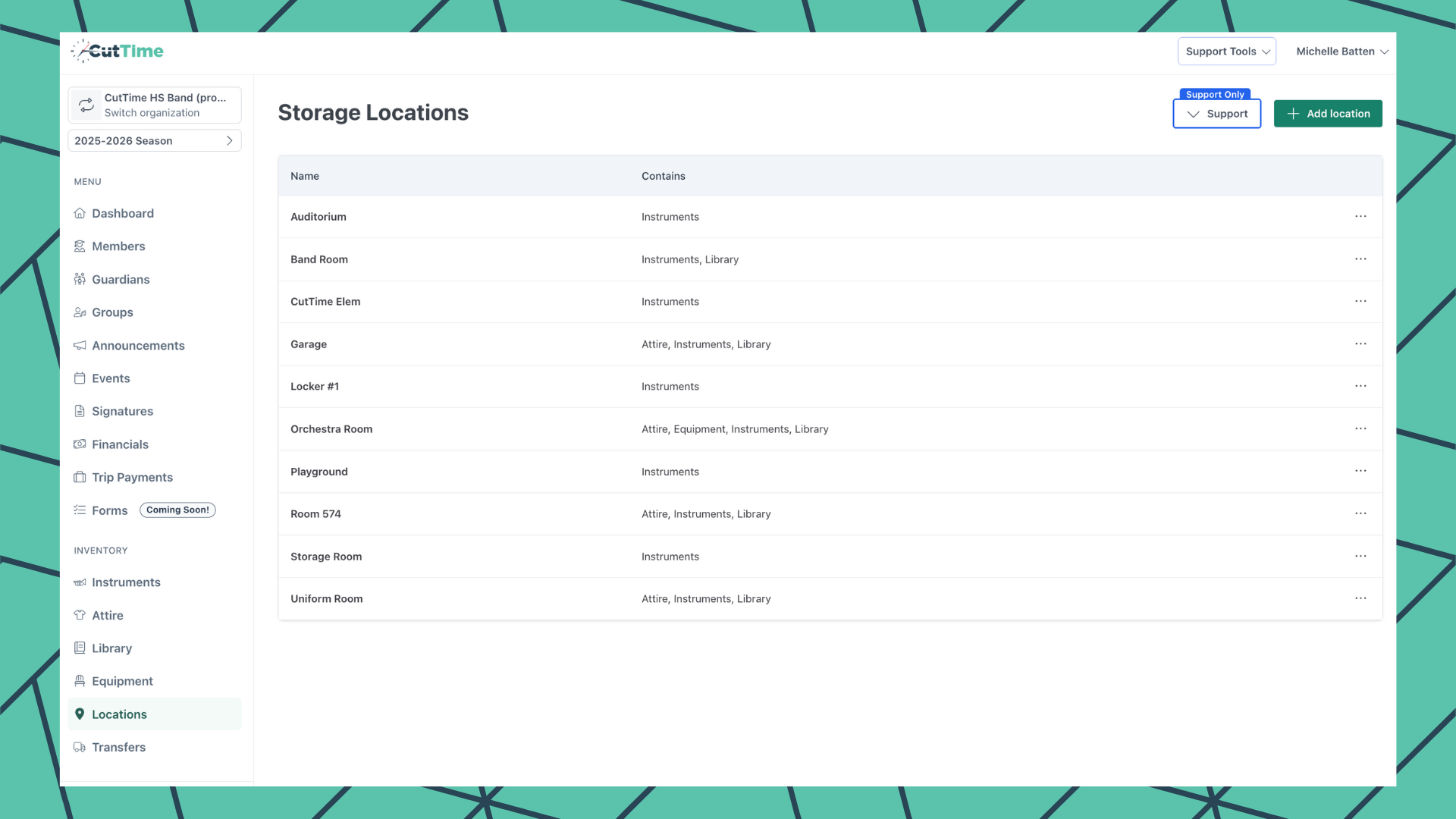
Add, edit and assign custom location names for all of your inventory items from one central entry point on your school's dashboard.
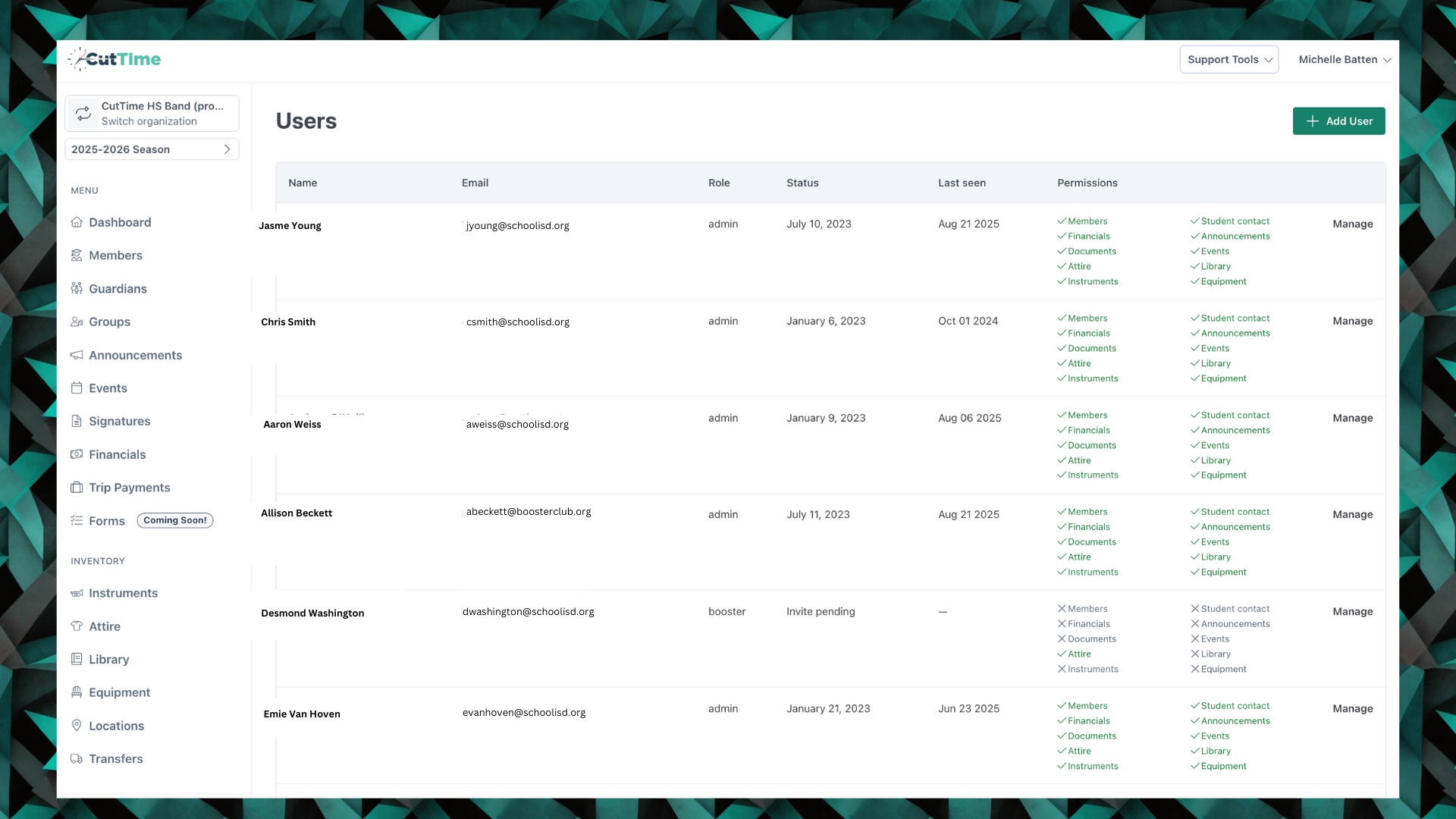
Designate user roles and access permission levels for each of your staff and helpers in CutTime. Ensure sensitive information is only funneled to the appropriate people.
Empower members to request and re-authenticate their personalized ‘magic’ link whenever they need a refresh or want to proactively access their personal portal page.
Had it with paperwork and the boring stuff? Let us help you take the tech shortcuts and breeze on with your valuable teaching day.




How you finish the year helps shape the memories students carry with them—and...

You’ve worked hard all year—your wrap-up process shouldn’t add stress. With...

Whether large or small, paid or free, every concert, recital, or production...

With the start of school, our expert points you to his 12 must-have features...

Closing out your fine arts program can be one of the most stressful parts of...

Kick start your productivity in the New Year! Our expert shares her 12 power...
All users are required to have an account in order to access and use CutTime. CutTime features are available for a nominal subscription fee with potential volume discounts if your district qualifies. Contact our Support Team to discuss your options and select a subscription plan that is best suited to your program's needs
Not at this time. You can add optional questions to capture more details about a particular topic.
Our forms support images, audio, video, word, and pdf file formats. The file size limit is 10MB.
Not at this time. We are continuing to enhance this feature, so keep an eye out for additional enhancements via our monthly Product Update newsletter.
We are planning an update to make it possible for an admin user to complete a form on behalf of a member or guardian. Keep an eye out for additional enhancements via our monthly Product Update newsletter.
Speed through tasks and leave operational woes behind. Focus more on your students.
Create a life-long passion for the fine arts.